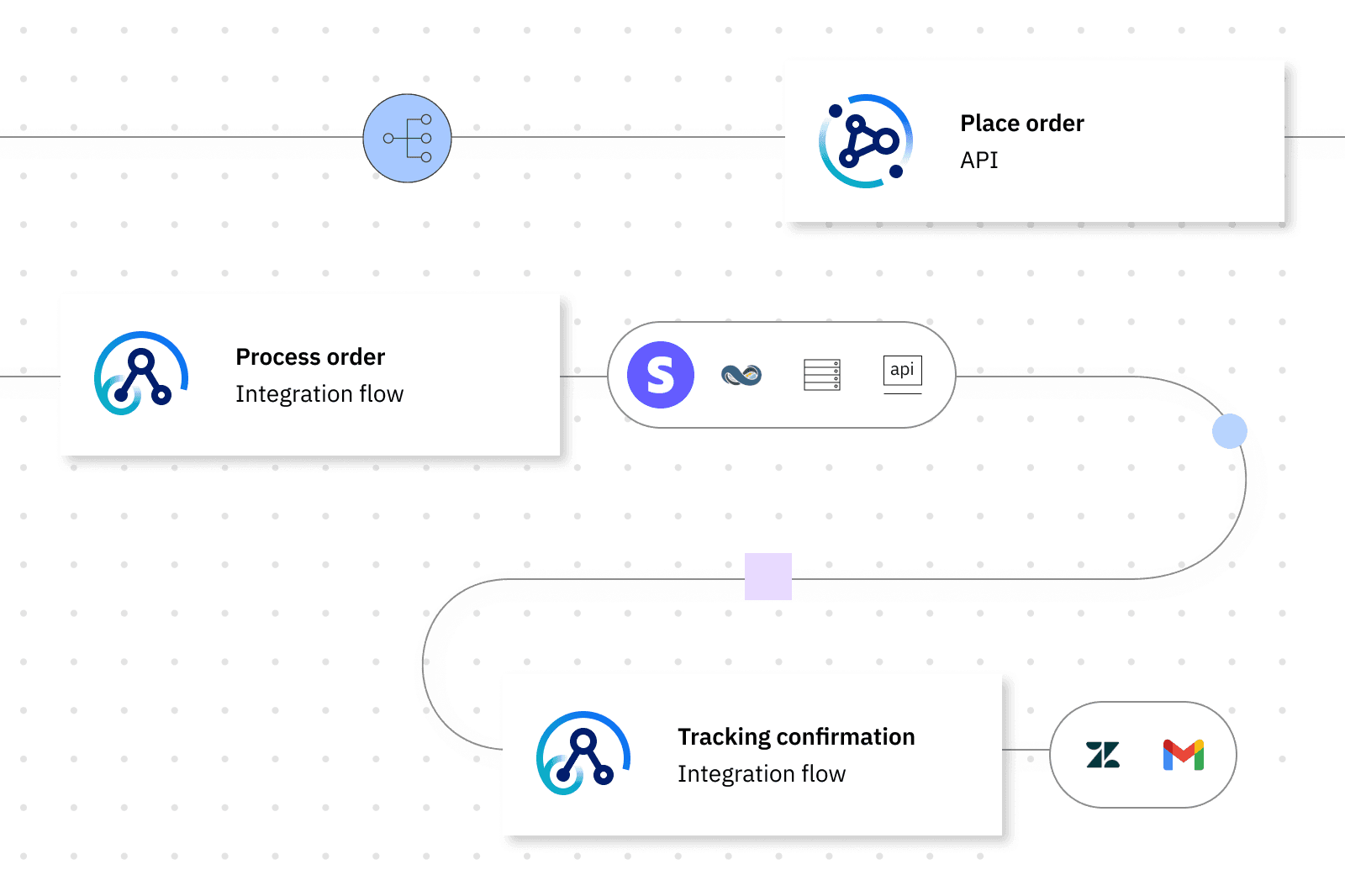
Simplifying enterprise integration development
IBM Cloud Pak for Integration (CP4I) is an platform for building enterprise scale integrations.
It bundles together several IBM integration capabilities into a single platform.
Key components include: API management, application integration, enterprise messaging and more.
Think of it like a Zapier, but scaled for enterprises. In CP4I, you're not only creating the automation, but also managing the APIs, security policies, and deployment that make these automations work at scale.
We built a drag and drop canvas that empowers less technical users to build integrations and deploy as a single unit.
Significance
This was a strategic product targeting $10 billion dollar market. Large enterprises deploy thousands of isntances on CP4I for mission critical workloads.
My role
UX Design lead on a team of 2 PMs, 1 tech lead and ~15 engineers.
The problem
Building enterprise integrations sometimes took months. It required collaboration between business and development teams. Communication is often difficult due to varying levels of technical skills.
Developers also need to deploy multiple objects to get a single working integration, further exacerbating existing bottlenecks. Consequently, changes in between iterations are often left undocumented, making upgrades a headache.
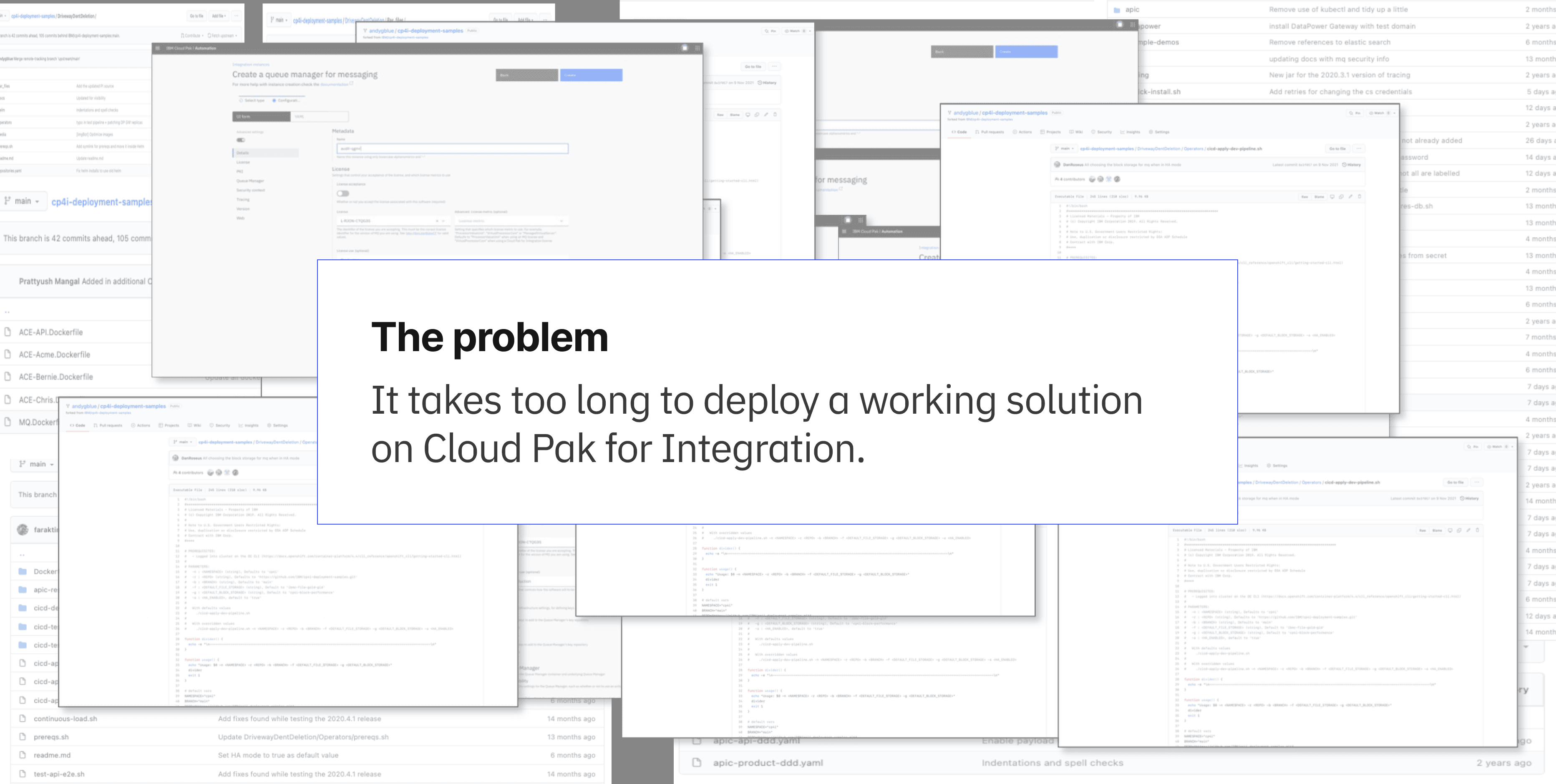
The "as-is" experience

Low fi design explorations
Concept: different lenses for different users
Concept: easier deployment to different environments
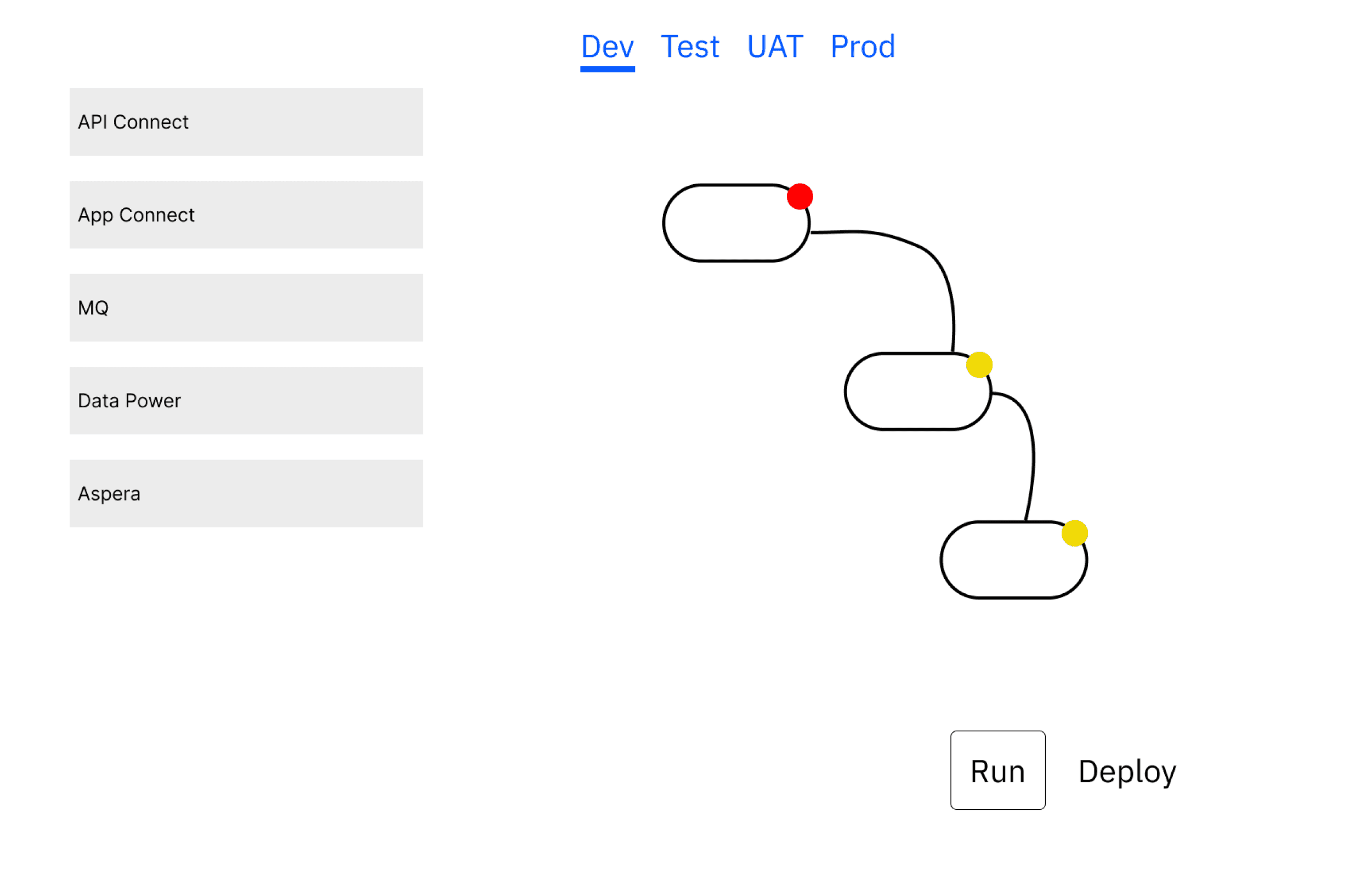
Concept: boilerplates for non technical users
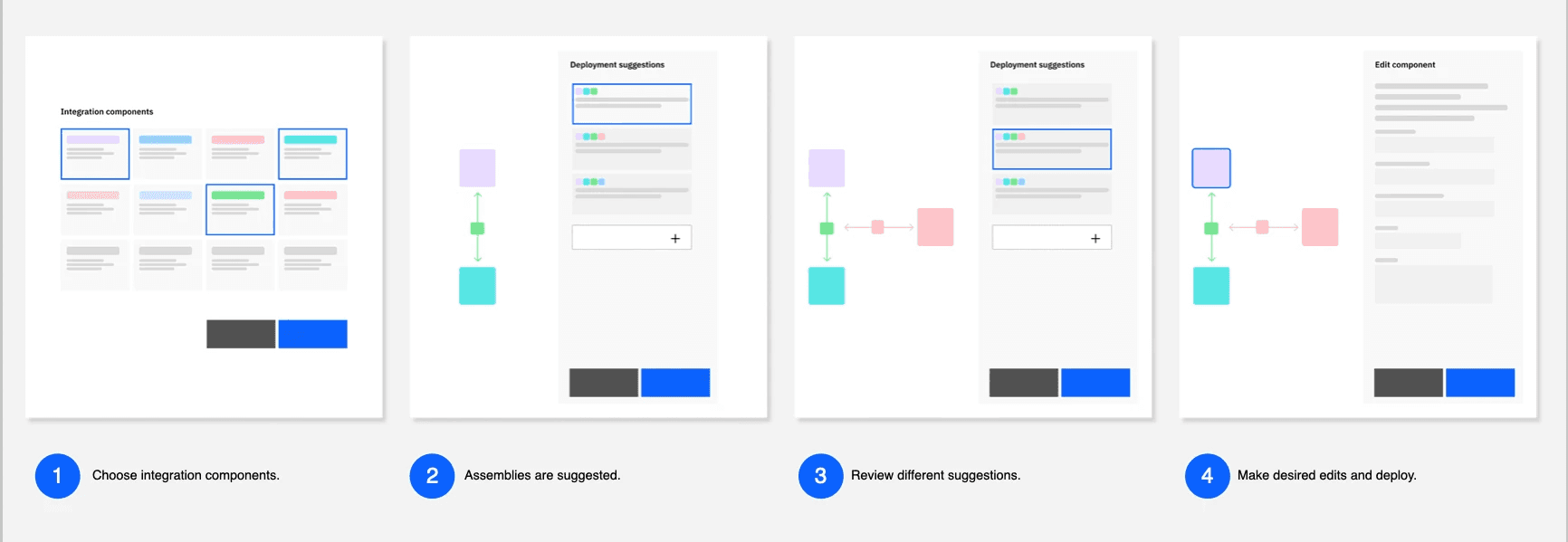
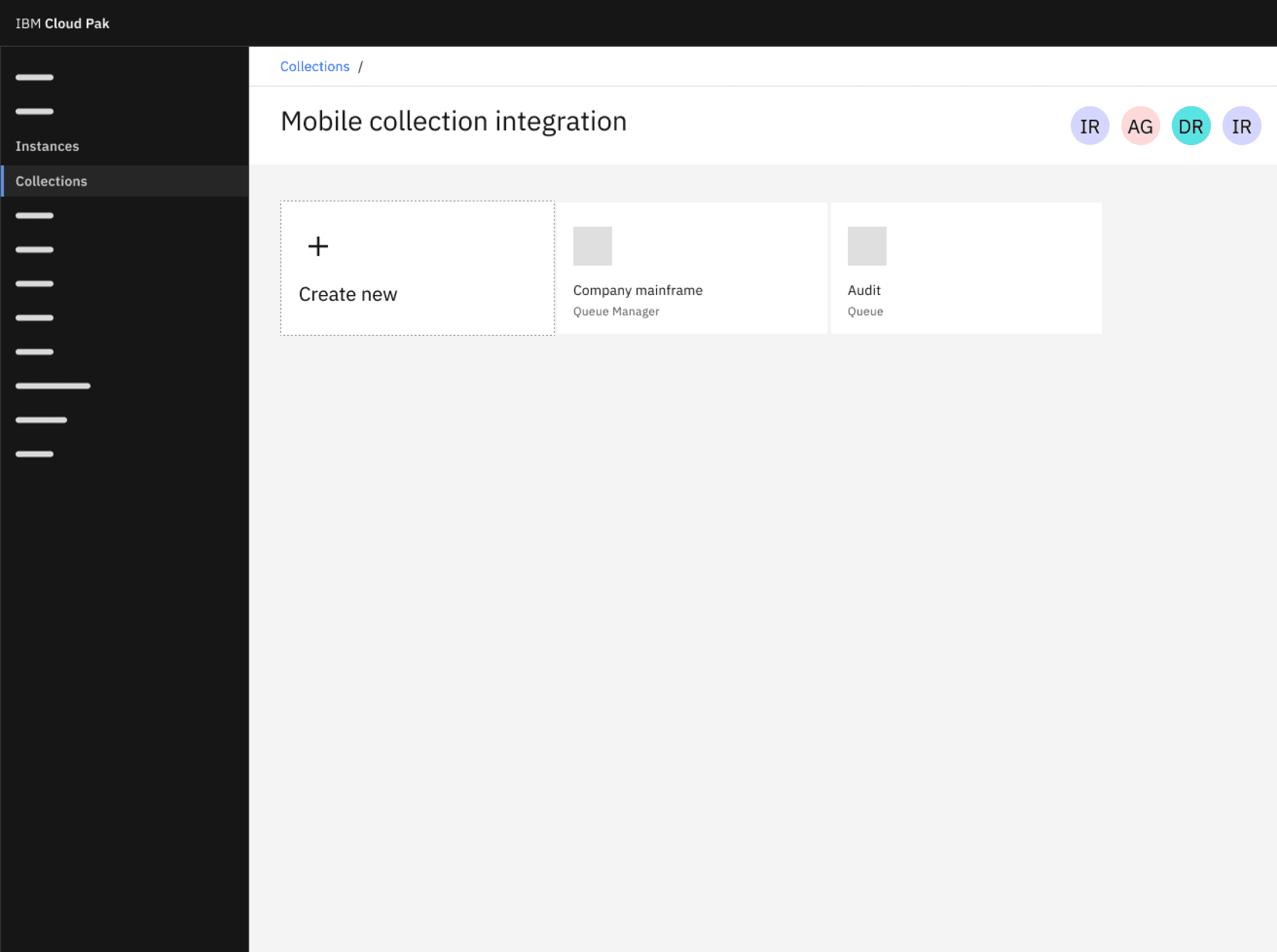
Concept: better organization of assets + role based access control (RBAC)
Align a global team
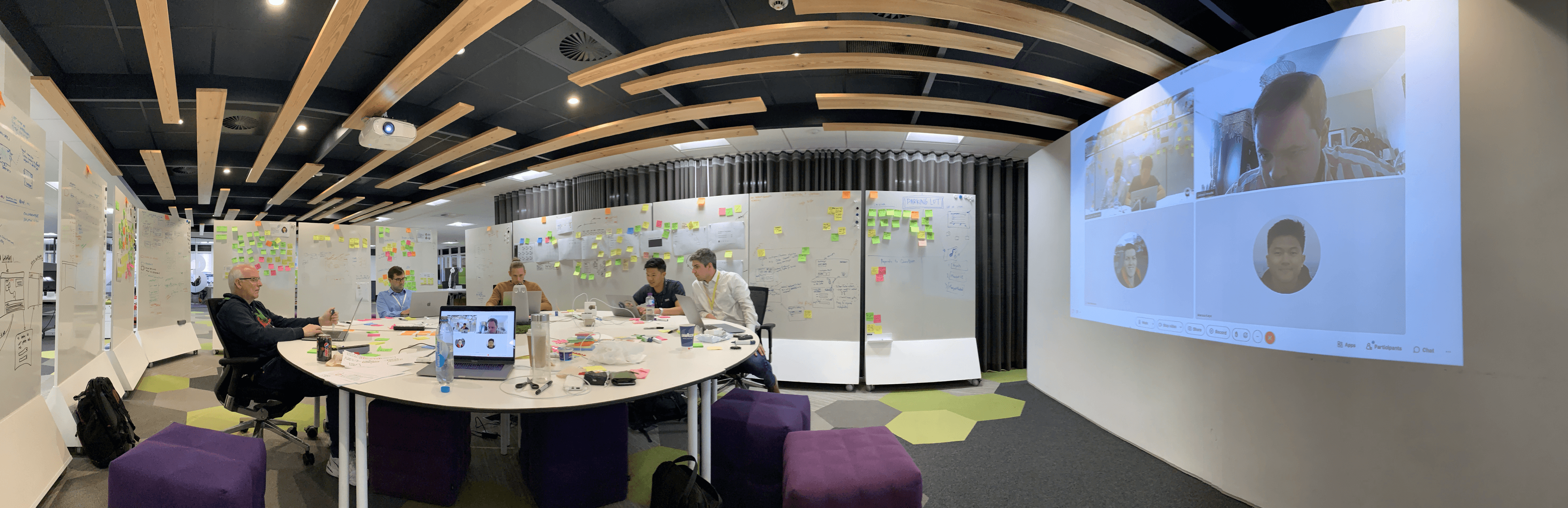
I led a hybrid workshop from our campus in the UK where most of the team was based, but colleagues in N. America and other parts of Europe had the option to join remotely for parts of it.
The goal of the workshop was to narrow down the design problems and align on a solution. By the end, we had created a prototype and concept tested with a few customers.
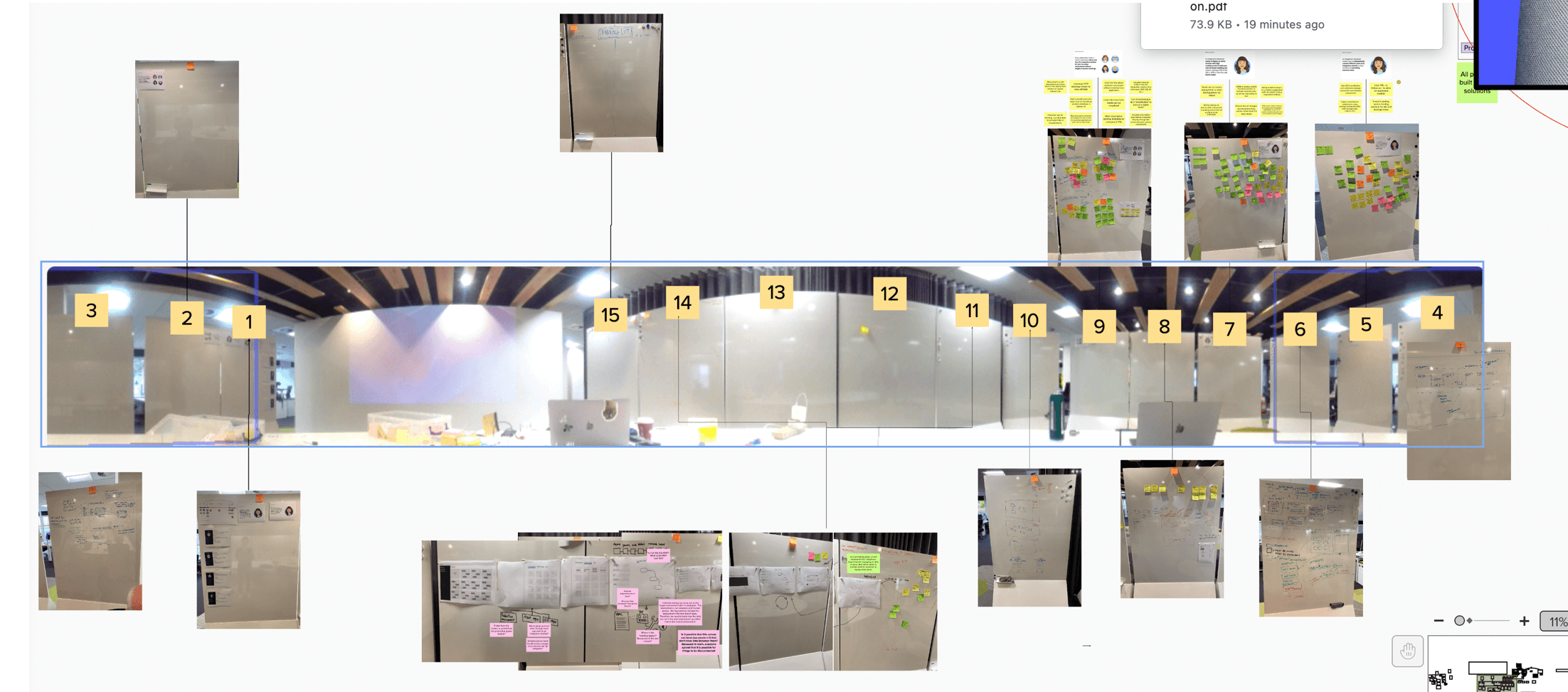
Hybrid set up
Preparing for a concept test
Final concept: the CP4I canvas
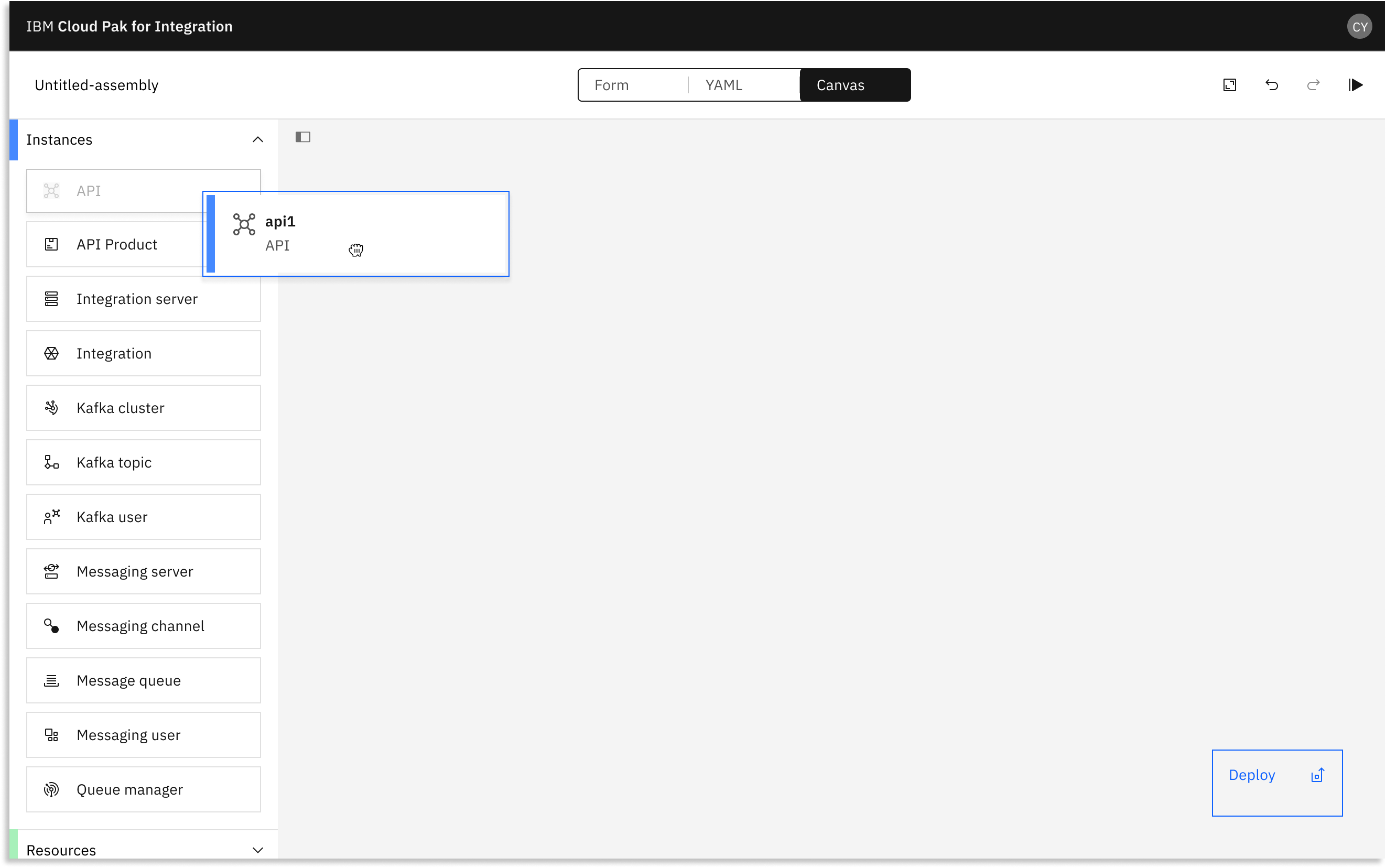
CP4I canvas - final design
Conclusion
We achieved cross-team alignment and developed a unified story to present back to leadership. We validated our concept in user interviews, which informed our roadmap for the next year.
Time to deploy a simple working integration was reduced from 2 hours to as little as 10 minutes.